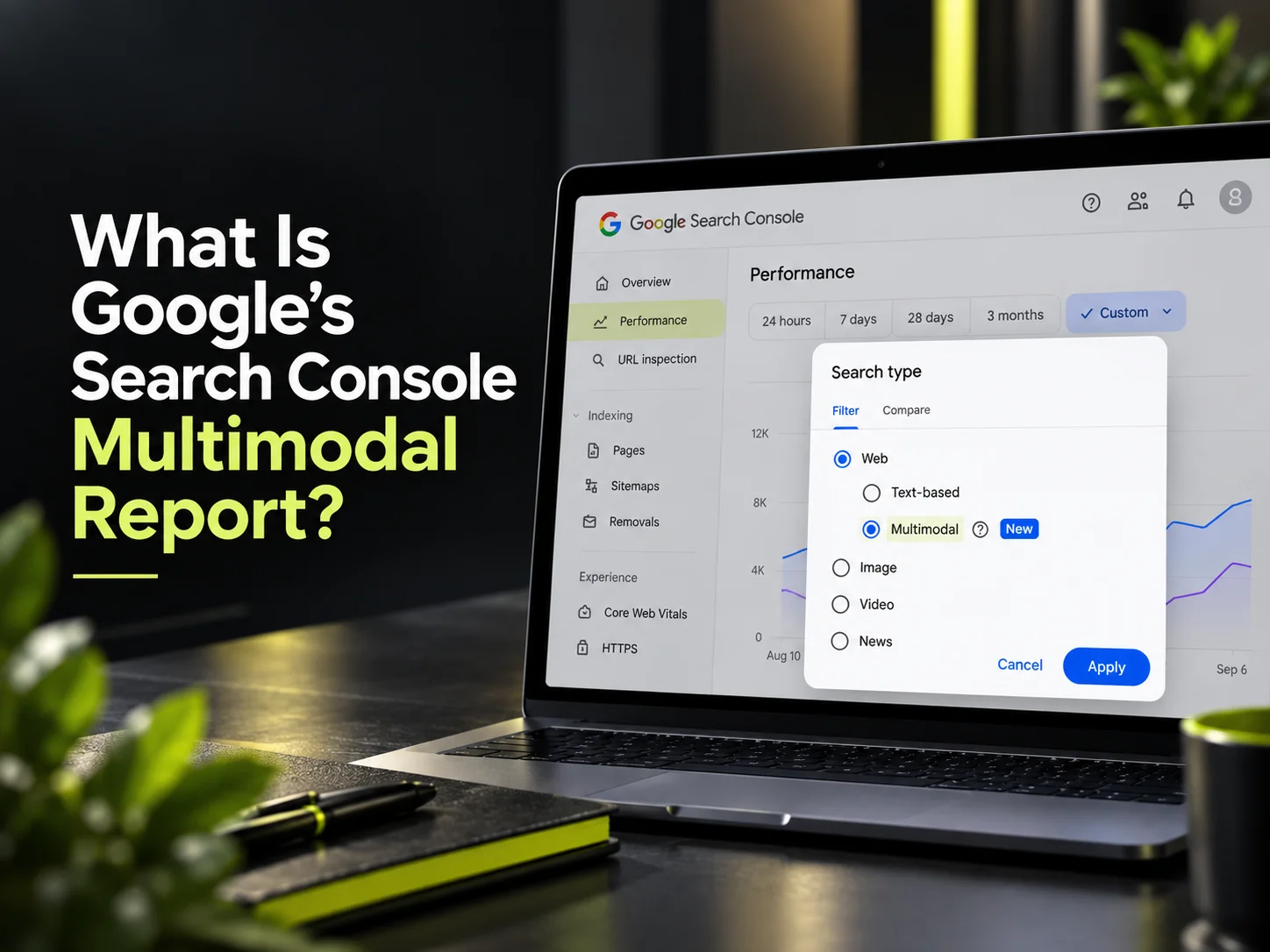
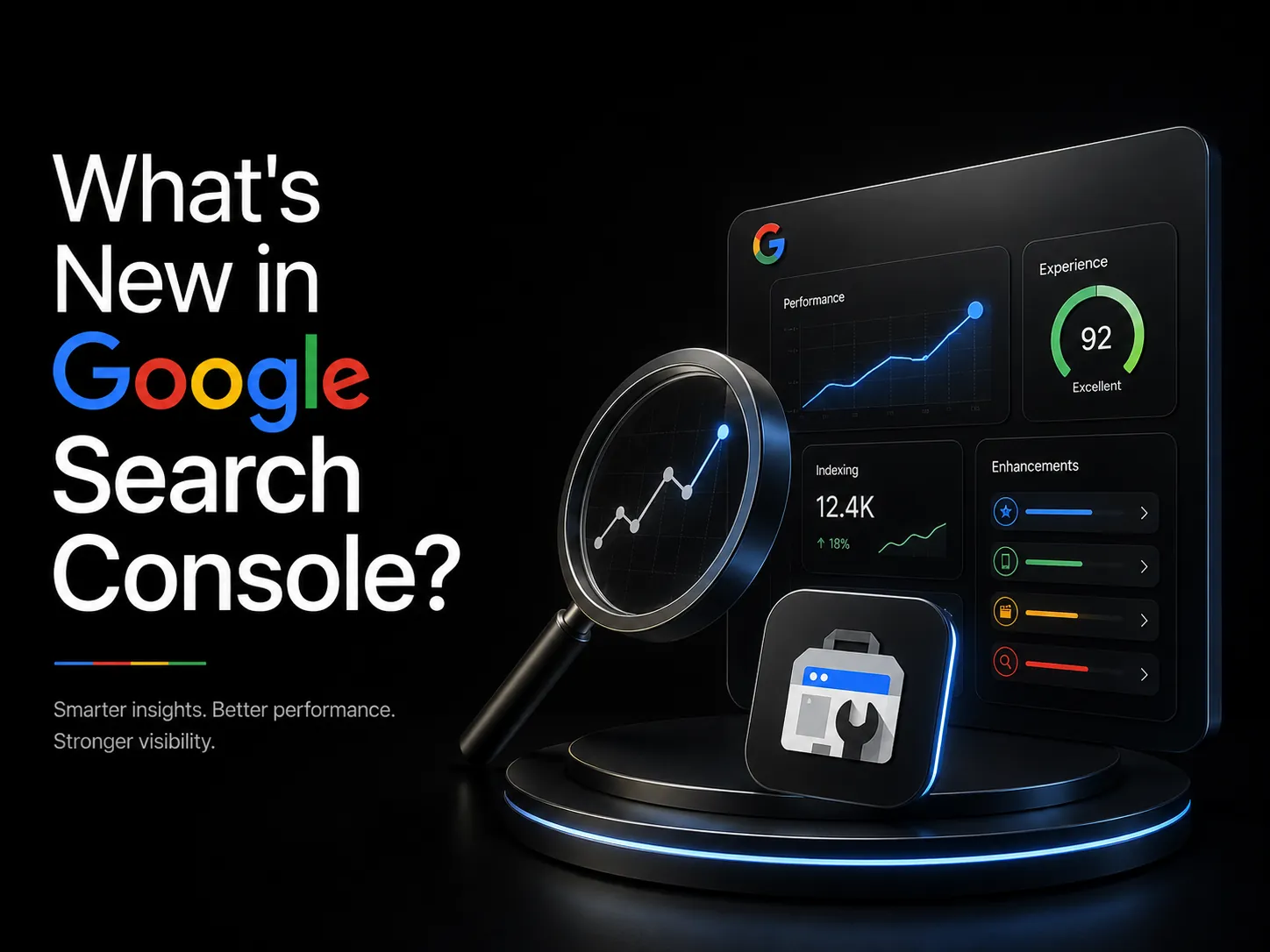
What's New in Google Search Console (2026) - Plus How to Connect Your Social Media
Google Search Console 2026 now tracks AI Overviews, branded search, and your social channels. See every new feature — plus how to connect your social media.

Google Search Console 2026 now tracks AI Overviews, branded search, and your social channels. See every new feature — plus how to connect your social media.
Real projects across branding, packaging, websites and growth.
Straight answers on this topic from the UnFoldMart team.
From branding and packaging to Webflow websites, SEO, AEO and GEO, UnFoldMart brings strategy, design and growth under one team for 250+ brands across 10 markets. Tell us where you want to grow and we'll show you the fastest way there.
For more than a decade, Google Search Console did one narrow job well: show you what Google could crawl, flag indexing errors, and report which queries brought traffic. Useful, but limited. In 2026, that description quietly stopped being accurate.
Across a rapid update cycle that began in January and accelerated through June, Google turned Search Console into something far bigger - a search-intelligence layer that now tracks AI Overviews visibility, branded search, real-time annotations, and, for the first time, your social media channels. That last one is the update everyone's asking about: yes, you can now see social performance inside Search Console, and this guide shows you exactly how.
Below, we cover the six biggest new features, walk through connecting your social media step by step, and translate it all into what it means for your SEO strategy.
The shift is best understood as a change in purpose. Search Console used to be a technical SEO dashboard you checked when something broke. Now it's a strategic reporting hub that unifies how your brand shows up across Google Search, AI-generated results, and even social channels - in one place.
Two forces drove the change. First, AI Overviews and AI Mode reshaped how people interact with search, often answering queries without a click, which made Google's old "clicks and impressions" reporting incomplete. Second, Google recognized that a brand's search presence no longer lives only on its website. The 2026 updates respond to both. Here are the six that matter most, followed by the social-media walkthrough.
The most talked-about update brings select social media channels directly into the Search Console Insights report. For the first time, site owners get a unified view of how both their website and their social profiles perform in Google Search - clicks, impressions, top-performing content, the search queries driving discovery, and audience locations, all shown for social channels alongside traditional site data.
In practical terms, you can finally see your website and your social presence in one report instead of stitching together separate tools. Note that this is currently experimental and rolling out gradually, so availability varies by property. We cover exactly how to enable and read it in the walkthrough below.
On June 3, 2026, Google launched dedicated Generative AI performance reporting. These reports surface impressions and clicks from AI Overviews and AI Mode - the AI-generated surfaces that previously sat in a reporting blind spot.
This matters because AI Overviews increasingly answer queries on the results page itself. Without dedicated reporting, you couldn't tell whether your content was being surfaced in those answers. Now you can measure your visibility on AI surfaces and adapt, rather than guessing.
Configuring Performance reports used to mean manually stacking filters - query, page, device, country, date range. Now generally available, the AI-powered configuration tool lets you describe the analysis you want in plain English, and Search Console builds the filtered view for you.
Ask for "mobile queries from India that gained clicks last month" and it configures instantly. It lowers the barrier to real analysis, which is especially valuable for lean teams without a dedicated SEO analyst.
Rolled out to all eligible sites in April 2026, the branded-queries filter lets you separate searches that include your brand name from everything else. That distinction is strategically important: branded search reflects existing demand and awareness, while non-branded search reflects discovery.
Splitting the two tells you whether growth is coming from people who already know you or from new audiences finding you - a distinction that changes how you read almost every other report.
Search Console now lets you add custom annotations directly onto performance charts - short notes tied to a date. Launched a new content initiative, finished a site migration, or shifted strategy? Mark it on the chart.
Months later, when you're staring at a traffic change, you won't have to reconstruct what happened from memory. Annotations turn your performance graph into a documented timeline, making cause and effect far easier to see.
Not every change was an addition, and this one's easy to miss. Starting January 2026, Google removed support for practice-problem and certain lesser-used structured data types from Search Console's rich-result reporting and the Rich Results Test. Separately, FAQ rich results were retired from Google Search.
Here's the nuance most roundups get wrong: the FAQ rich result disappearing from search does not make FAQPage schema pointless. Structured data still helps machines - including AI engines - parse and understand your content, which supports Answer Engine Optimization even when the visual rich result is gone. The lesson is to focus your schema on high-value types and treat markup as machine-readability infrastructure, not just a rich-result trigger.
This is the walkthrough most people are searching for. A few realistic expectations first: the feature is experimental, rolling out gradually, and it shows how your social content performs in Google Search - it is not a replacement for native social analytics like Instagram Insights or LinkedIn analytics. With that framing, here's how to use it.
Step 1 — Verify your property. Everything in Search Console starts with a verified property. If your website isn't verified yet, add it and complete verification (via DNS record, HTML tag, or your CMS) before anything else. In Webflow and most modern platforms, this takes a couple of minutes.
Step 2 — Open Search Console Insights. Social data appears inside the Insights report, not the classic Performance report. From your verified property, open Insights - this is the more visual, narrative view of your content's performance.
Step 3 — Look for the social channels section. Where the experiment is active on your property, Insights will surface a social-channels view showing your connected or detected profiles. Because it's rolling out gradually, don't be alarmed if it isn't visible yet - availability is expanding over time.
Step 4 — Read the data. Once populated, you'll see clicks, impressions, top content, search queries, and audience locations for your social channels as they appear in Google Search. Read this as "how discoverable my social presence is via Google," and compare it against your site data in the same report.
Step 5 — Act on it. Use the unified view to spot which social content earns search visibility, which queries surface your profiles, and where website and social discovery overlap or diverge. That's the strategic payoff - one connected picture of your brand's Google presence.
If the social section hasn't reached your property yet, keep the property verified and healthy; experimental features tend to roll out to well-maintained accounts as they expand.
Individually, these are features. Together, they're a shift in how you should measure search.
Pair the branded-queries filter with social channel insights and you can finally see how brand demand moves across your website and social presence at once. Use the Generative AI reports to track whether you're visible in AI Overviews and adjust content toward the intent those answers serve. Use annotations to prove - not just claim - that a campaign or content push moved the numbers.
The through-line is convergence: in 2026, search, social, and AI visibility are no longer separate dashboards. Search Console is becoming the single place they meet, which means the teams that reconfigure their reporting around these tools will simply understand their performance better than those still checking the same three reports they did in 2020.
Here's the quiet problem. Google ships powerful features, and most teams never change their workflow to use them. They log in, glance at the same indexing and query reports they've checked for years, and miss the branded segmentation, the AI reporting, and the social view entirely. The tool got smarter; the habits didn't.
The result is expensive: you're paying for insight you never collect. Getting real value from the 2026 Search Console means deliberately rebuilding your reporting around what it can now see — and connecting it to the rest of your SEO, AEO, and GEO measurement so search, AI, and social visibility are read together rather than in isolation. That integration is exactly what our team sets up for clients.
Google Search Console in 2026 is not the indexing dashboard it used to be. It now sees your AI-surface visibility, your branded demand, and - newest of all - your social presence in Google Search, in one connected view. The features are there. The advantage goes to whoever actually uses them.
If you want your Search Console, AI visibility, and social discovery set up to work as one measurement system, talk to the UnFoldMart team about getting it configured properly.
Got Questions? We’ve Got Answers – Clear, Simple, and Straight to the Point
Six checks catch most issues. Verify your property using both Domain Property (covers all subdomains and protocols) and URL-prefix Property (needed for the Insights view) — many sites have only one, missing half the data. Submit both the main sitemap and any specialised sitemaps separately (news, video, image if applicable). Check the Coverage report weekly for indexation drops — the most common early signal of technical issues. Monitor the new AI Overview split monthly to catch AIO featuring shifts. Set up email alerts for manual actions and security issues (these arrive without dashboard warnings). And export data to BigQuery or a dashboard tool monthly — GSC only retains 16 months of data and once lost, that historical baseline is gone. Businesses skipping the BigQuery export lose meaningful year-over-year comparison capability.
Directly through GSC, no — the platform doesn't report on social traffic. But the entity signal from connecting social profiles via Organization sameAs schema affects three things Google Search Console measures. First, branded query performance improves as Google's Knowledge Graph better recognises the brand across platforms. Second, Knowledge Panel appearances (measured indirectly through branded impressions) become more accurate and complete. Third, sitelinks and brand carousel features become more likely as Google's confidence in the entity strengthens. Complement this with GA4 to see actual social traffic performance — the two tools together give a complete picture that neither provides alone. UnFoldMart's clients typically pair GSC monitoring with GA4 social channel reporting for the full brand-search performance view.
Google Search Console doesn't natively connect to social platforms, but you can tie the two together through entity signals Google's Knowledge Graph reads. Add sameAs properties to your Organization schema listing every official social profile URL (LinkedIn, X, Facebook, Instagram, YouTube, TikTok as applicable). Verify each social profile through its platform's own verification process where available. Ensure your brand name, description, and logo are consistent across every social profile and match what's in your on-site Organization schema. This gives Google high confidence that all these accounts are the same entity, which strengthens brand-search results, feeds Knowledge Panel accuracy, and increasingly influences whether AI answer engines correctly attribute mentions across platforms to your brand.
Non-negotiable for anyone doing AI SEO in 2026. The new AI Overview split lets you see impressions and clicks for queries where your site was cited in an AIO versus queries where the AIO appeared without you — the difference reveals which pages you're actually being featured in and which you're losing traffic to. Practical use: filter by query segments that show AIO impressions, compare CTR against non-AIO baseline for the same query, and prioritise pages showing AIO impressions but no clicks (you're being seen inside the summary but not driving click-through). Sites tracking only aggregate impressions miss the granular signal that shows which pages need restructuring to earn AIO citations rather than being replaced by them.
Five updates matter most for site owners in 2026. AI Overview impressions and clicks now split as their own metric in the Performance report — essential for measuring AIO featuring and the CTR shift it causes on adjacent organic results. The Insights view has been expanded with trend analysis showing content that gained or lost visibility in the last 28 days. The URL Inspection tool now reports on structured data more granularly, catching schema issues that previously required a separate validator. The Discover report has been unified with the standard Performance report. And integration with the Chrome UX Report (CrUX) has improved, surfacing Core Web Vitals field data alongside Search Console impression data more cleanly. Sites still using GSC the way they used it three years ago miss most of the AI-search insight the newer reports provide.

.webp)