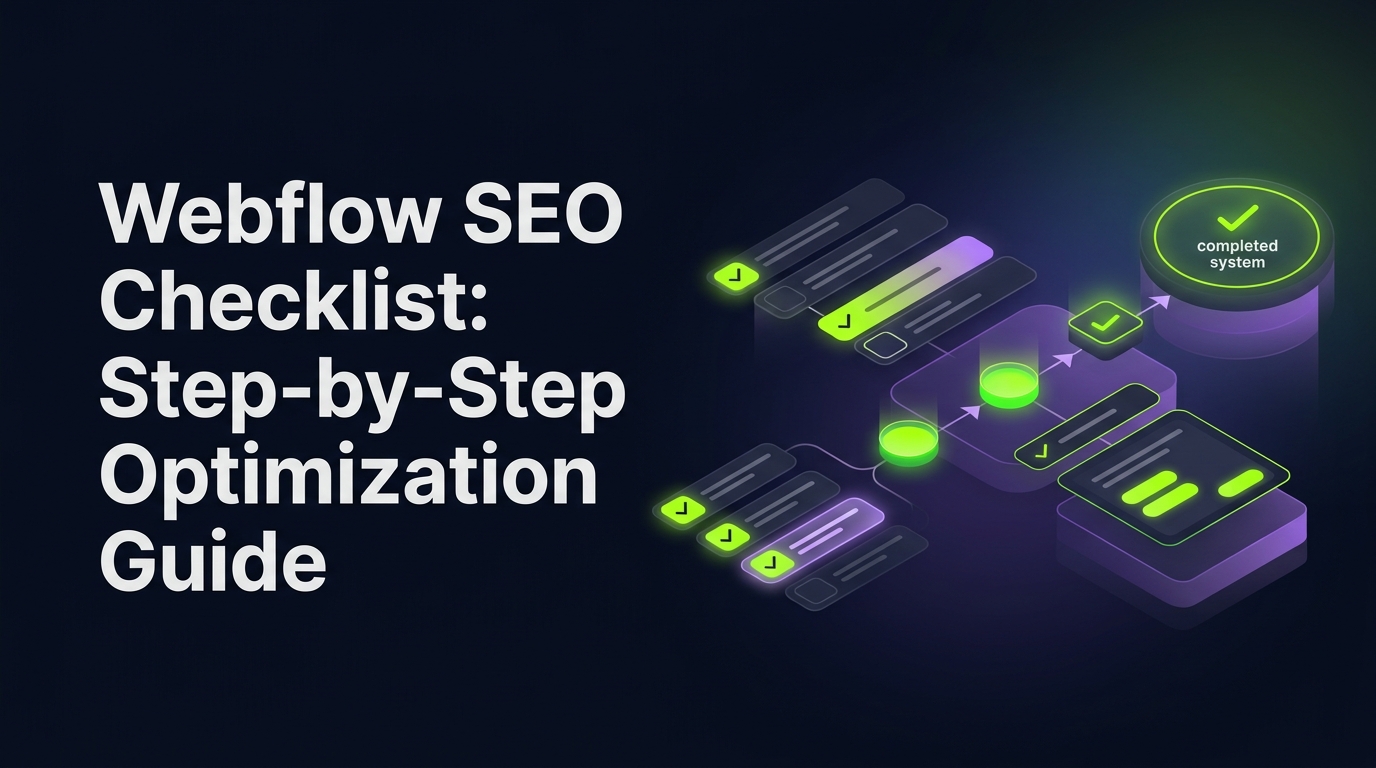
Webflow SEO Checklist: Step-by-Step Optimization Guide
Follow this complete Webflow SEO checklist to improve rankings, speed, content, and conversions. A practical step-by-step guide for startups and marketers.
Follow this complete Webflow SEO checklist to improve rankings, speed, content, and conversions. A practical step-by-step guide for startups and marketers.
Real projects across branding, packaging, websites and growth.
Straight answers on this topic from the UnFoldMart team.




From branding and packaging to Webflow websites, SEO, AEO and GEO, UnFoldMart brings strategy, design and growth under one team for 250+ brands across 8 markets. Tell us where you want to grow and we'll show you the fastest way there.


Building a website on Webflow feels great.
Clean design.
Fast hosting.
No plugins breaking every week.
But here’s a common myth.
“Webflow handles SEO automatically.”
It doesn’t.
Webflow gives you the tools.
You still need the strategy.
Without proper setup, even the best-designed Webflow site won’t rank.
So instead of guessing what to fix, here’s something simple:
A step-by-step SEO checklist you can follow like a playbook.
No jargon. No theory. Just what actually moves rankings and traffic.
Let’s walk through it.
Short answer: yes.
Webflow is actually one of the most SEO-friendly website builders today.
You get:
Which is already better than many platforms.
But tools alone don’t create traffic.
SEO still depends on:
Think of Webflow as a fast car.
It helps. But you still have to drive.
Keep it simple.
Open your Webflow project.
Go step by step.
Tick what’s done. Fix what’s missing.
Most of this can be completed in a day or two.
Start with technical basics, then content, then authority.
Before content, fix the foundation.
Make sure you:
If search engines can’t crawl your site properly, nothing else matters.
Technical setup is boring, but it’s where rankings begin.
Speed directly impacts both rankings and conversions.
Slow pages lose visitors fast.
Inside Webflow:
Even a one-second improvement can noticeably increase conversions.
Fast sites feel trustworthy.
Slow sites feel broken.
Messy URLs confuse both users and search engines.
Keep things clean.
Good:
yourwebsite.com/services/seo-agency
Bad:
yourwebsite.com/page-123?id=456
Organize pages logically:
Also add internal links between related pages.
Good structure helps Google understand your site faster.
And that means better rankings.
This is where most Webflow sites fall short.
Every page should have:
Webflow makes this easy inside page settings, but many people skip it.
These small tweaks often bring quick ranking improvements.
Low effort. High impact.
Webflow’s CMS is powerful for SEO if used correctly.
Set up:
Instead of random blogs, group content by topics.
For example:
This builds topical authority and helps you rank faster.
Think systems, not isolated posts.
Design doesn’t rank. Content does.
Your blog should answer real questions your audience is already searching.
Focus on:
Avoid generic “company news.”
Every page should target one specific keyword and one clear problem.
Helpful content wins in search.
Always.
Traffic alone isn’t enough.
Visitors must trust you.
Add:
These signals improve both conversions and rankings.
Google favors trustworthy websites.
People do too.
Backlinks are still one of the strongest ranking factors.
You don’t need hundreds.
You need relevant ones.
Try:
Even 10 to 20 good links can significantly boost authority.
Focus on quality over quantity.
Never guess.
Set up:
Track:
Once you see what works, double down.
SEO becomes much easier with data.
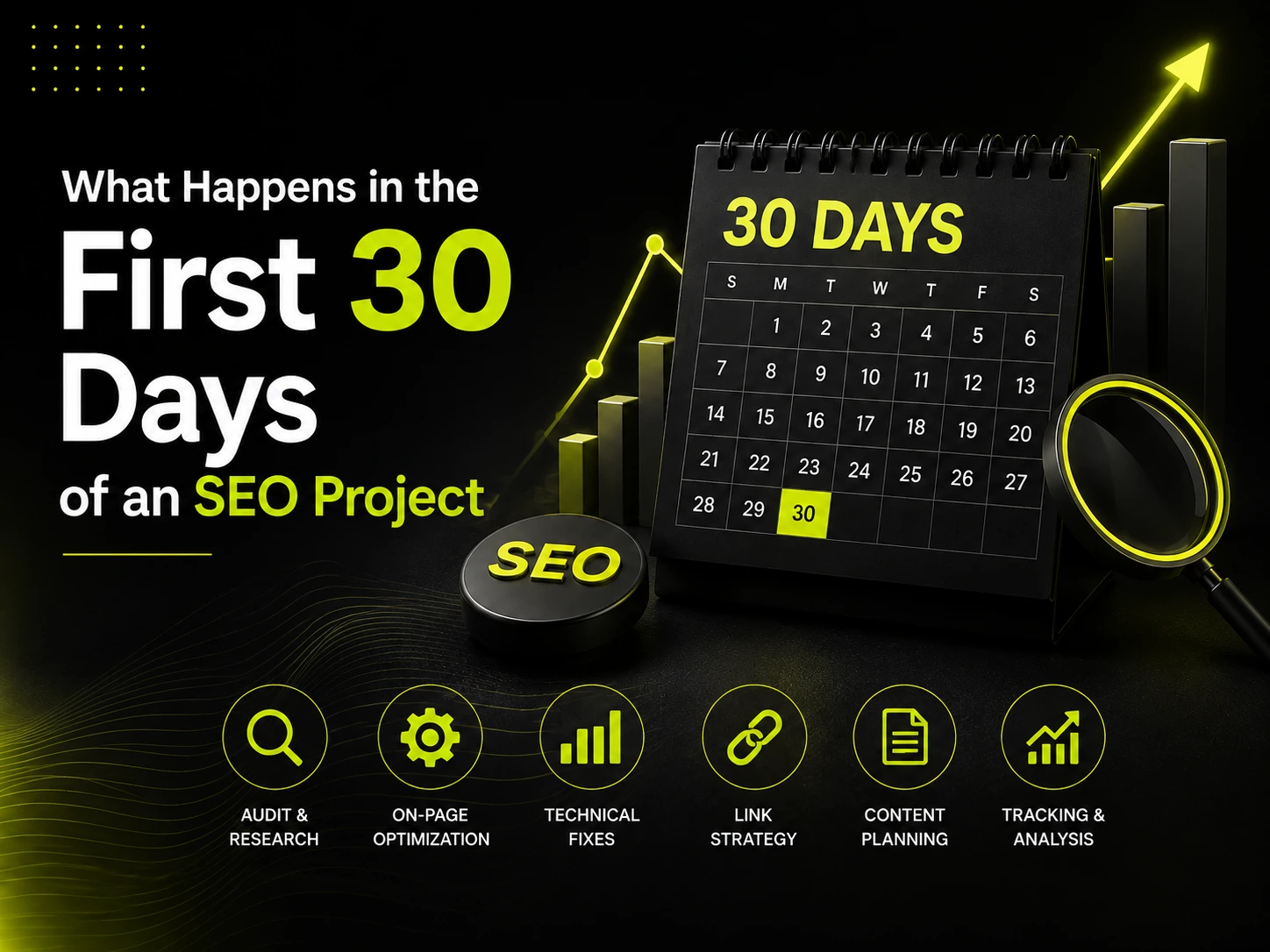
If you want fast momentum, start here:
Week 1: Fix technical setup
Week 2: Optimize top 5 pages
Week 3: Publish 3 to 5 SEO blogs
Week 4: Start backlink outreach
These small actions often produce noticeable traffic gains quickly.
Momentum matters more than perfection.
Watch out for:
The platform helps. But it doesn’t replace strategy.
Setting up SEO properly takes time and consistency.
Most founders know what to do but struggle to execute everything.
That’s where UnFoldMart helps.
We combine Webflow design with SEO strategy, content, and optimization to turn websites into predictable growth channels.
Not just pretty pages. Pages that bring customers.
👉 Talk to our team and turn your Webflow site into an SEO-driven growth engine.
Got Questions? We’ve Got Answers – Clear, Simple, and Straight to the Point
Yes. This checklist covers the essentials for DIY optimization.
Typically three to six months for noticeable organic growth.
No. You must configure tags, content, and strategy manually.
Yes. It provides clean code and strong SEO controls, but setup is still required.

We help modern businesses unify branding, websites, SEO, and paid media into one performance-driven system designed to scale.




Taunustor 1, Frankfurt am Main, 60310, Germany

Huis te Landelaan 130-a Zuid, 2283 SJ Rijswijk, Netherlands
Basisweg 10, 1043 AP Amsterdam, Netherlands

32 London Bridge St, London SE1 9SG, United Kingdom

75 Avenue de la Grande Armée, 75016 Paris, France

P.º de la Castellana, 259C, Planta 19, Fuencarral-El Pardo, 28046 Madrid, Spain

plac Europejski 1, 00-844 Warszawa, Poland

555 Burrard St Vancouver, BC, V7X 1M8, Canada

604 Elias Rd, #03-200, Singapore 510604

Suite 18, Level 18 The Executive Centre, Tower A, DLF Epitome, DLF Cyber City, Gurugram, 122002









.jpeg)
.jpeg)
.jpeg)














.jpeg)

.jpeg)



.jpeg)

.jpeg)



.jpeg)
.jpeg)



.jpeg)
.jpeg)
.jpeg)
.jpeg)


.jpeg)


.jpeg)